
SOS Inventory
Inventory Management Software Features
Bring structure and clarity to complex inventory operations with SOS Inventory. Use advanced inventory management software features to make faster decisions, improve fulfillment accuracy, and replace manual workarounds with scalable processes.



An inventory solution that can really expand all the capabilities with QuickBooks Online to ensure an overall successful business solution!
Deborah Defer
The reliability and accessibility of SOS Inventory software and integration with our QuickBooks Online accounting system help us in our efforts to bridge the gap in energy and clean water access for communities in Indonesia’s rural and remote areas.
Werner Brandt
SOS Inventory has been a real time saver and has allowed us to implement a robust process for inventory close each month, as well as timely information for our management.
Mitchell Nishi
Jenny has been a great support for us to move into SOS. We could not have done it without Jenny's support and care. Jenny's care, knowledge, experience and willingness to help is amazing to make a new Client comfortable in making the switch to SOS.
Rony, United States
I have been using SOS Inventory for a while now, and I am extremely happy with it. The software is incredibly easy to use, making inventory management a breeze. Additionally, the customer service is amazing. I had the pleasure of interacting with Joyce, she has been great! Her support and assistance have made the experience even better.
United States
I have used SOS for 4-5 years now and as I use it for inventory or sales or reports, I find that it is very straight forward. However, sometimes I need some help. When this happens I have reached out to the team at SOS and the responses have been great. Very informative and helpful.
David, United States
Our company uses the mobile app version of SOS in addition to the desktop version. I inadvertently was locked out of the mobile version. Jeremy with SOS support responded within seconds of me hitting send to submit my support ticket and had me up and going in no time! I am appreciative of the expeditious response time!
Aceva, United States
I have only been using this app for a week but I am amazed at how intuitive it is. This is a game changer for anyone wanting to have a powerful inventory management tool. Jenny from Customer Service has been a phenomenal support!!!
RomainR, United States
One of the best things about SOS is its customer service. Incredibly speedy and helpful. Recently Jeremy helped me work out an issue I thought would be impossible to fix, but with his help and expertise he pointed me to the fix!
Morgan, United States
Inventory Software Features
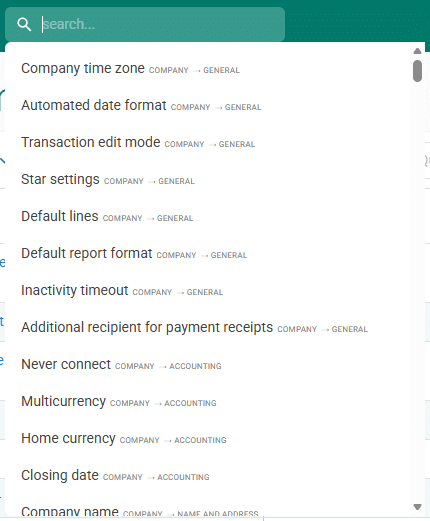
Browse our inventory management software features list to discover what’s possible when you make the switch.
- Lot/Batch Tracking
- Serial Numbers
- Multicurrency
- Sales Orders
- Landed Costs
- Assemblies with Unlimited Levels
- Purchase Orders
- Multiple Locations
- Kits
- Partial Receiving
- Partial Shipping
- Custom Fields
- Advanced Inventory Management
- Backorder Tracking
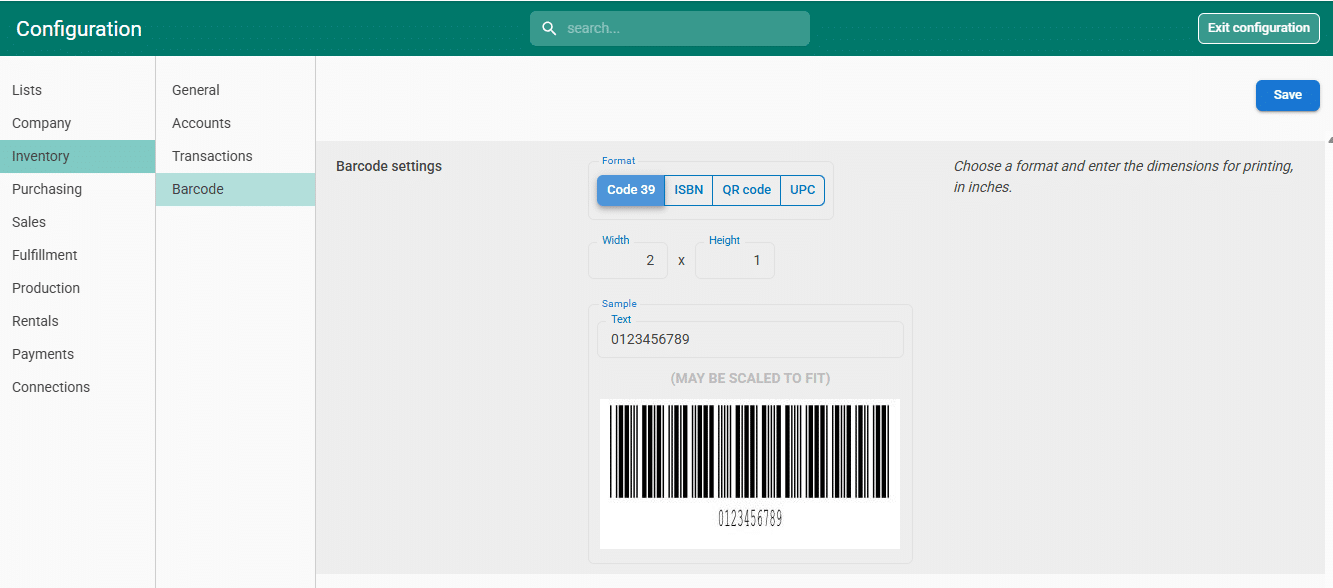
- Barcodes
- Process Manufacturing
- Drop Shipping
- Rentals
- Contract Manufacturing
- Bins/Aisles
- Work-in-Progress
- Rule-Based Workflow
- Automated Order Processing
- In-App Notifications
- Job Costing
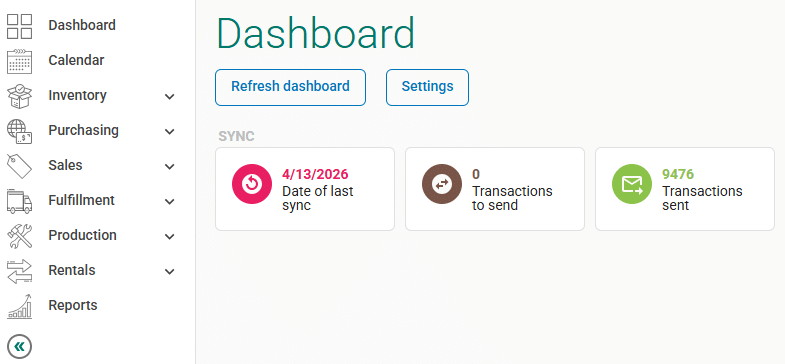
SOS Inventory's most compelling feature is its tight integration with QuickBooks Online. Quickbooks Online is not an afterthought for us. Our software is built specifically for QuickBooks Online from the ground up. We’ve built our software to save you time and money by reducing duplicate data entry. Saving your staff that time goes right to your bottom line.
Without a suitable substitution for the sales order feature, QuickBooks Online users make do by creating an estimate as a non-posting transaction with the intention of converting it to an invoice later. Sales orders reflect product and service sales and can be combined on one invoice. An estimate is just a proposal and will not add to the inventory count. (The desktop version does allow users to convert estimates to sales orders by clicking create a sales order from the top of the estimate).
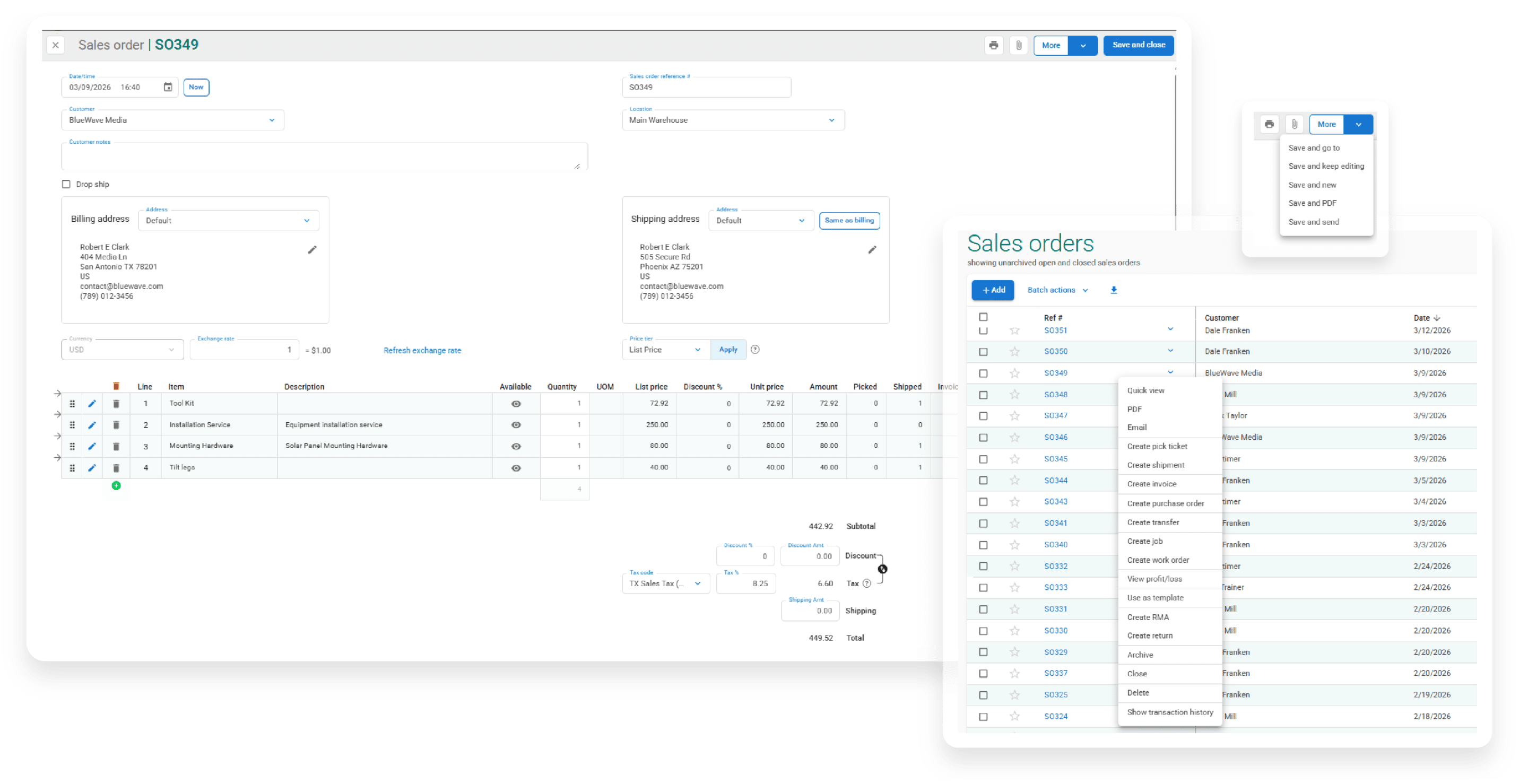
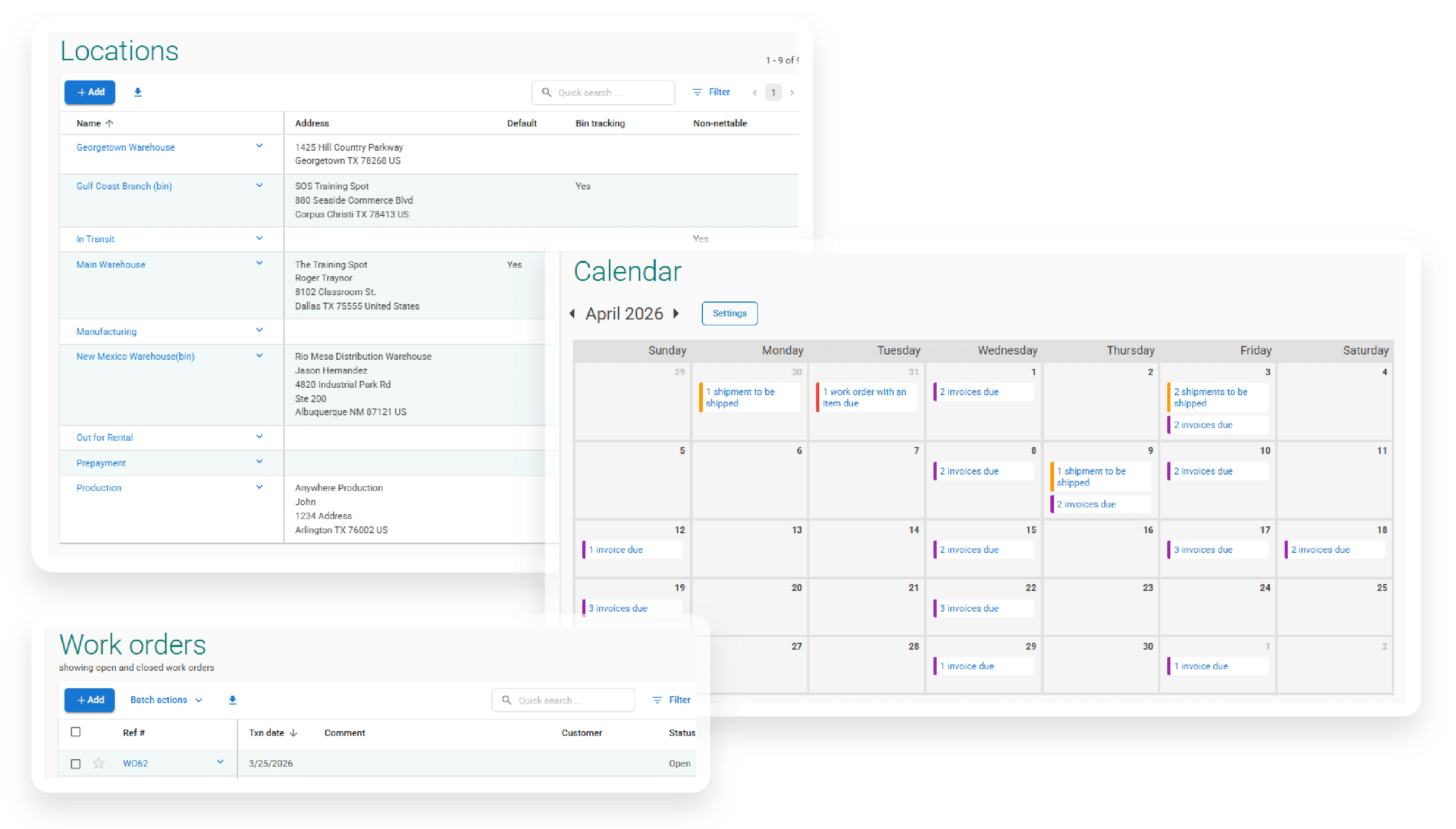
Receive materials, ship orders, and transfer stock between locations without extra systems or workarounds.
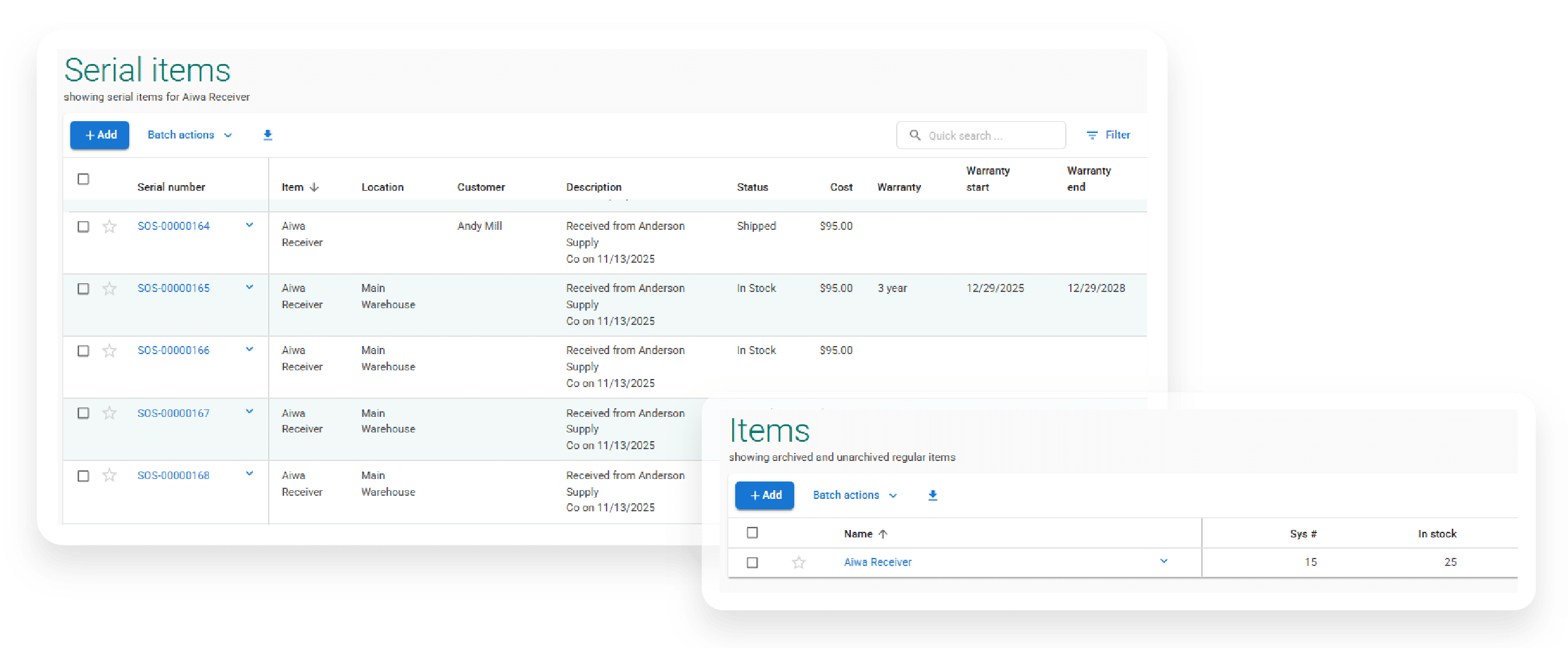
Track specific items by serial number and follow each one’s cost history from start to finish. Make smarter decisions based on data, not guesswork.
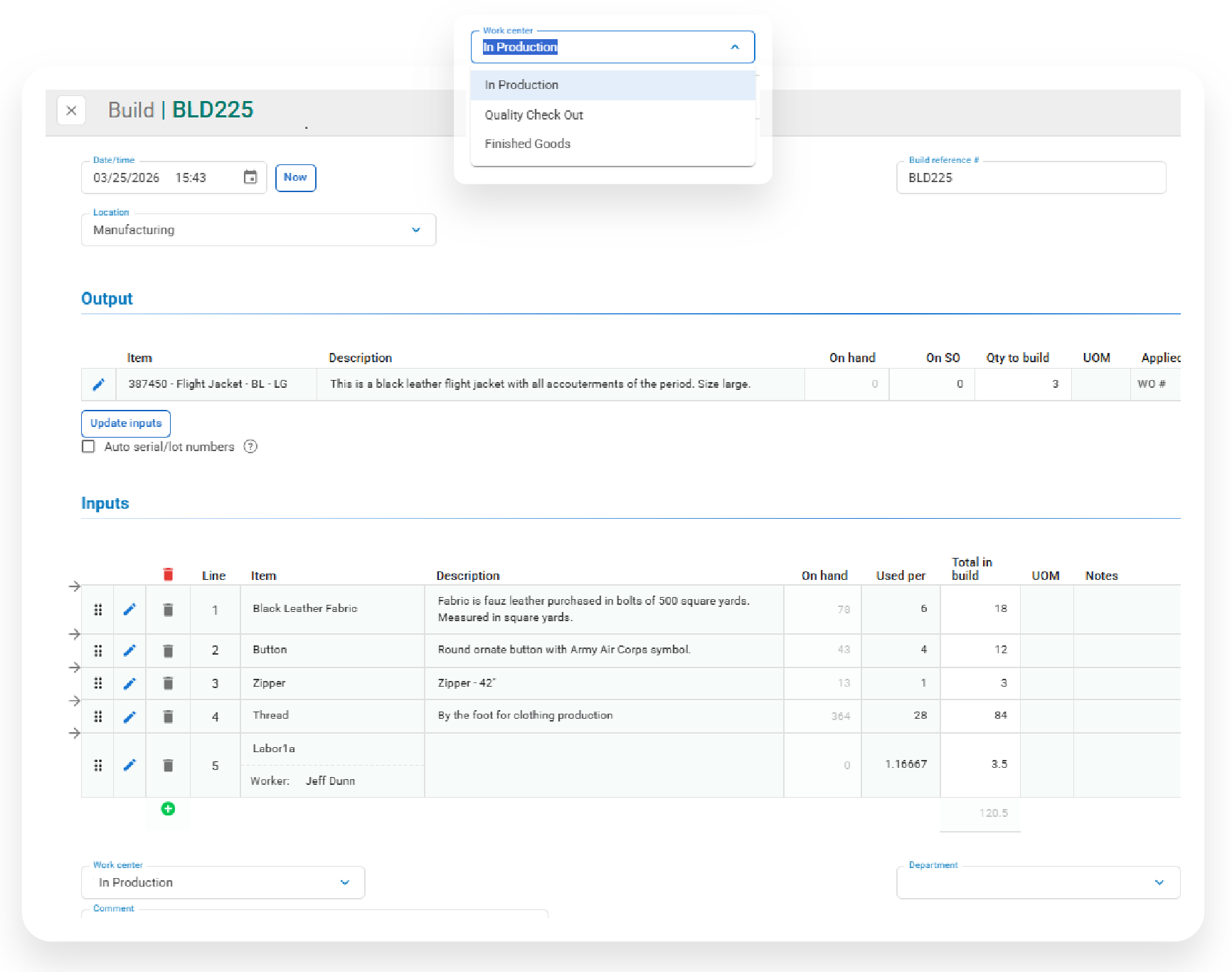
If you build products from components, you need to see what’s happening at every stage. With SOS inventory, you can monitor progress through production and keep raw and finished inventory in sync.
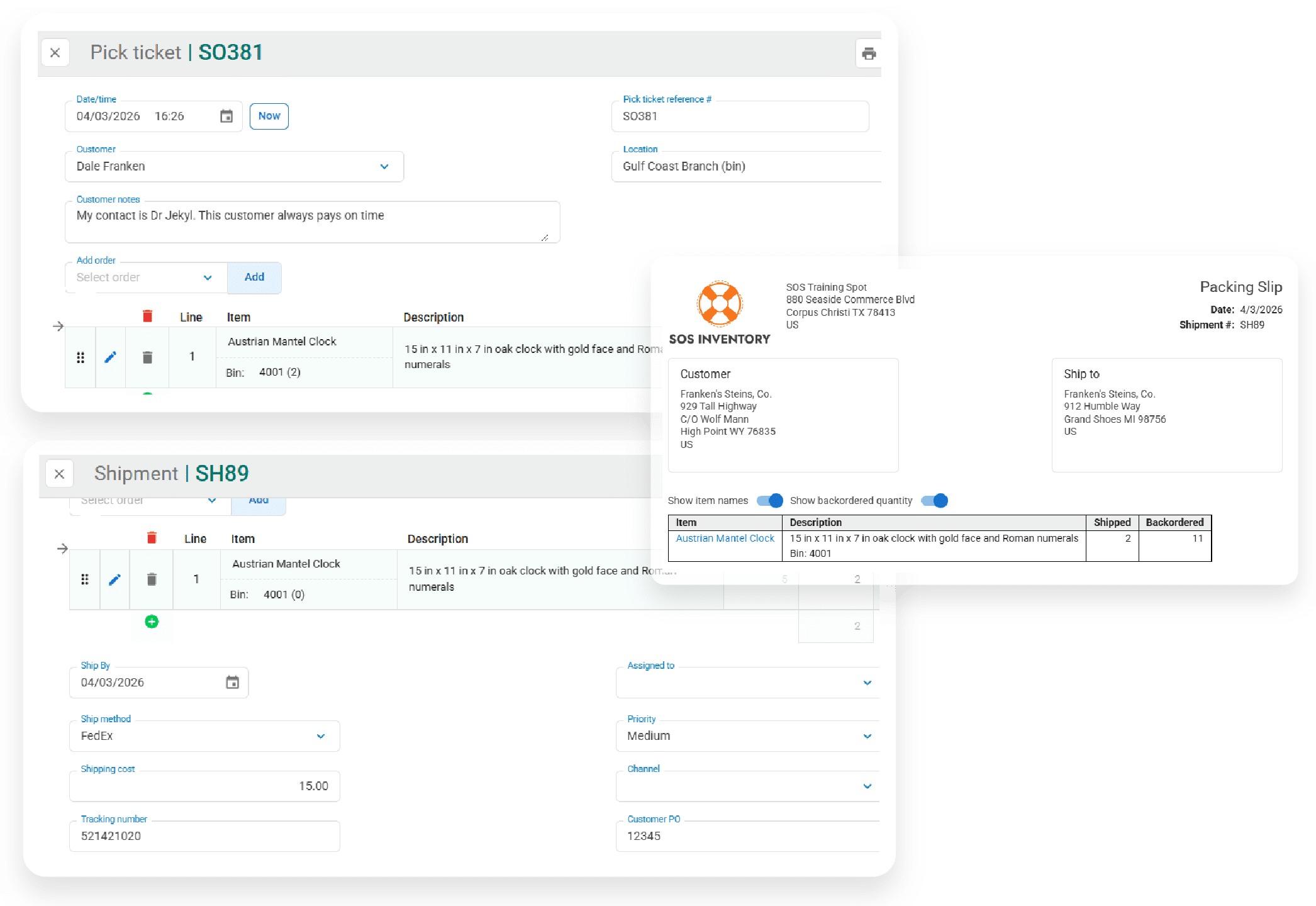
Your team moves faster when everything is in one place. Generate pick tickets and packing slips in just a few clicks and handle partial shipments without the confusion.
Connect With Your Tools






Explore the Features
Lot & Serial Number Tracking
Quickly organize items, SKUs, and categories with flexible configuration tools. Track inventory in real time across locations with accurate visibility into stock levels, movements, and availability.